GA4: what changed and why bloggers still need it
Google Analytics 4 replaced Universal Analytics in 2023, and the change was jarring: instead of sessions and pageviews front and center, GA4 is built around events, treating every interaction as a customizable signal. For bloggers the shift is less dramatic than the interface suggests, because the fundamental questions stay the same: how many people visit, where from, what they read, and whether they stay. GA4 answers all of them, once the setup noise is filtered out.
You need it because it is the data layer everything else references: ad networks benchmark your traffic with it, Search Console explains acquisition with it, and your own editorial decisions deserve better than vibes. The good news is that a blogger needs only a fraction of GA4's surface area, and this article keeps the setup deliberately minimal.
Installation in fifteen minutes
Create a GA4 property at analytics.google.com, add a web data stream for your domain, and install the tag. On WordPress, the cleanest methods are a lightweight plugin or your theme's built-in integration; pasting the gtag into headers manually also works. Verify immediately with the realtime report: open your site in one tab, watch your own visit appear in another. Then link Search Console in the admin settings, which unlocks the query data that makes content decisions possible.
Three configuration items deserve attention. First, enable enhanced measurement, which auto-tracks scrolls, outbound clicks and site search without code. Second, exclude your own visits by filtering your IP and any editor IPs. Third, set sensible data retention to the maximum available, because year-over-year comparisons are where real insight lives.
The five reports that matter
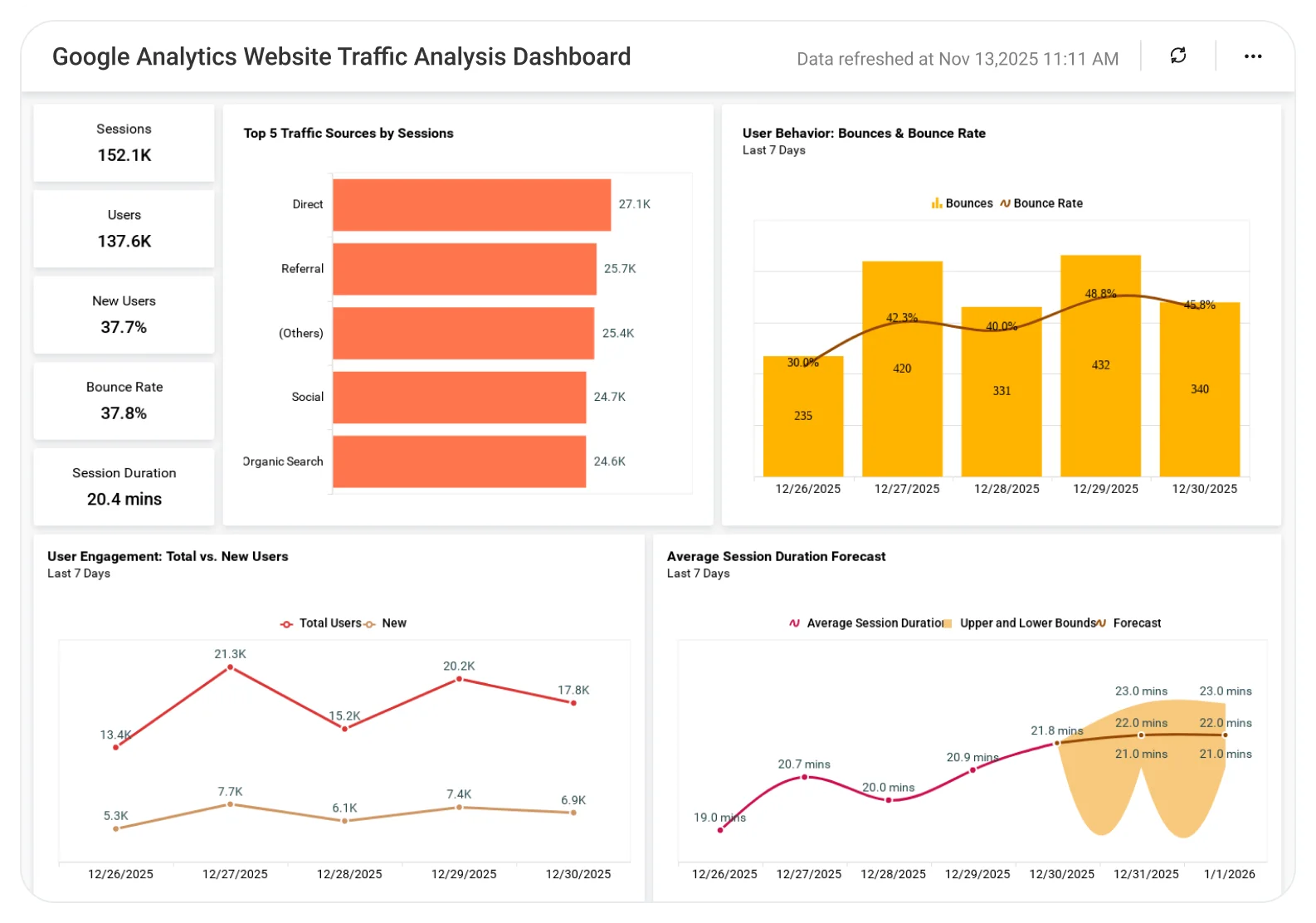
Ignore the intimidating default navigation and bookmark five views. Realtime for launch-day checks and debugging. Traffic acquisition (session source/medium) to learn which channels actually deliver readers: organic search, email, Pinterest, social. Pages and screens to find your top content and its engagement. Landing pages to see which posts earn the first click from search, the metric closest to SEO success. And demographics (country, device) because geography drives ad RPM and device mix drives layout decisions.
Everything else in the interface is either derivative of these five or belongs to enterprise marketing teams. Bloggers drown in dashboards and starve of decisions; five bookmarks keep you fed.
Events worth tracking (and vanity metrics to skip)
Enhanced measurement covers scrolls and outbound clicks automatically, which suffices for most of a blog's first year. Add custom events only when a specific question demands it: email signups, affiliate link clicks, contact form submissions. Each custom event needs a purpose tied to a decision, or it becomes another number you never act on.
Equally important is what to skip: bounce rate as traditionally defined (GA4's engagement rate is more informative), average session duration as a headline metric, and real-time spikes on social, which feel urgent and mean little. The vanity metric with the highest damage is daily pageview checking; move analysis to a fixed weekly slot and spend the freed attention on publishing.
A weekly data routine that drives growth
Fifteen minutes a week is enough: check acquisition trends against the trailing month, find the landing page that gained or lost the most, read its Search Console queries, and note one improvement. Monthly, review the top ten pages for engagement decay and the bottom decile for consolidation candidates. Quarterly, compare year-over-year, because seasonality hides inside monthly noise and only annual comparison reveals real growth.
Analytics done well is quiet: it confirms what is working, exposes what is not, and then gets out of the way of writing. Install it correctly once, learn your five reports, and let the numbers serve the blog rather than the other way around.